
A checkout that wears people out
Too many steps, mandatory sign-up before it's needed, shipping revealed only at the end. Every extra step drops another slice of people who had already decided to buy.

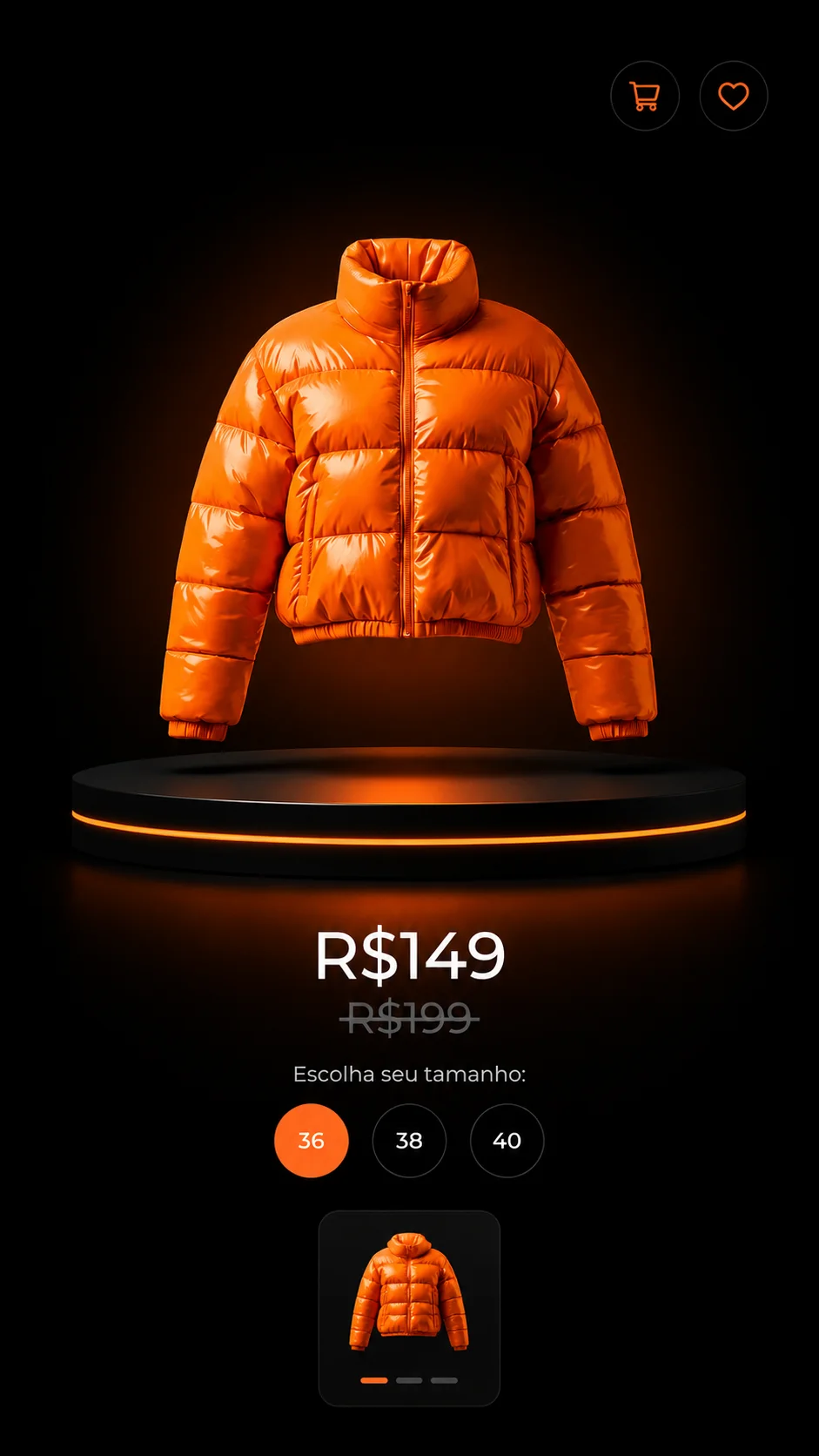
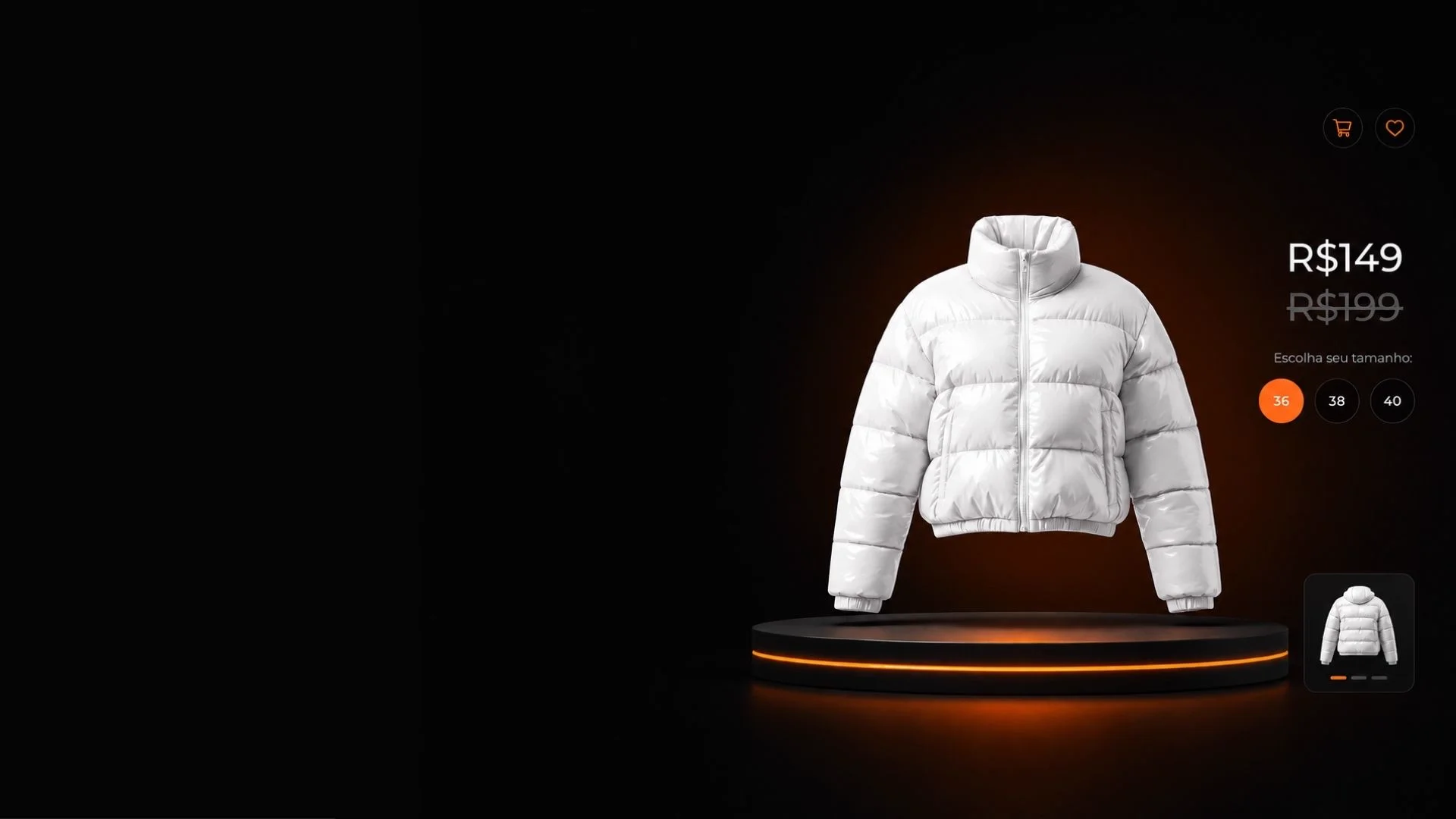
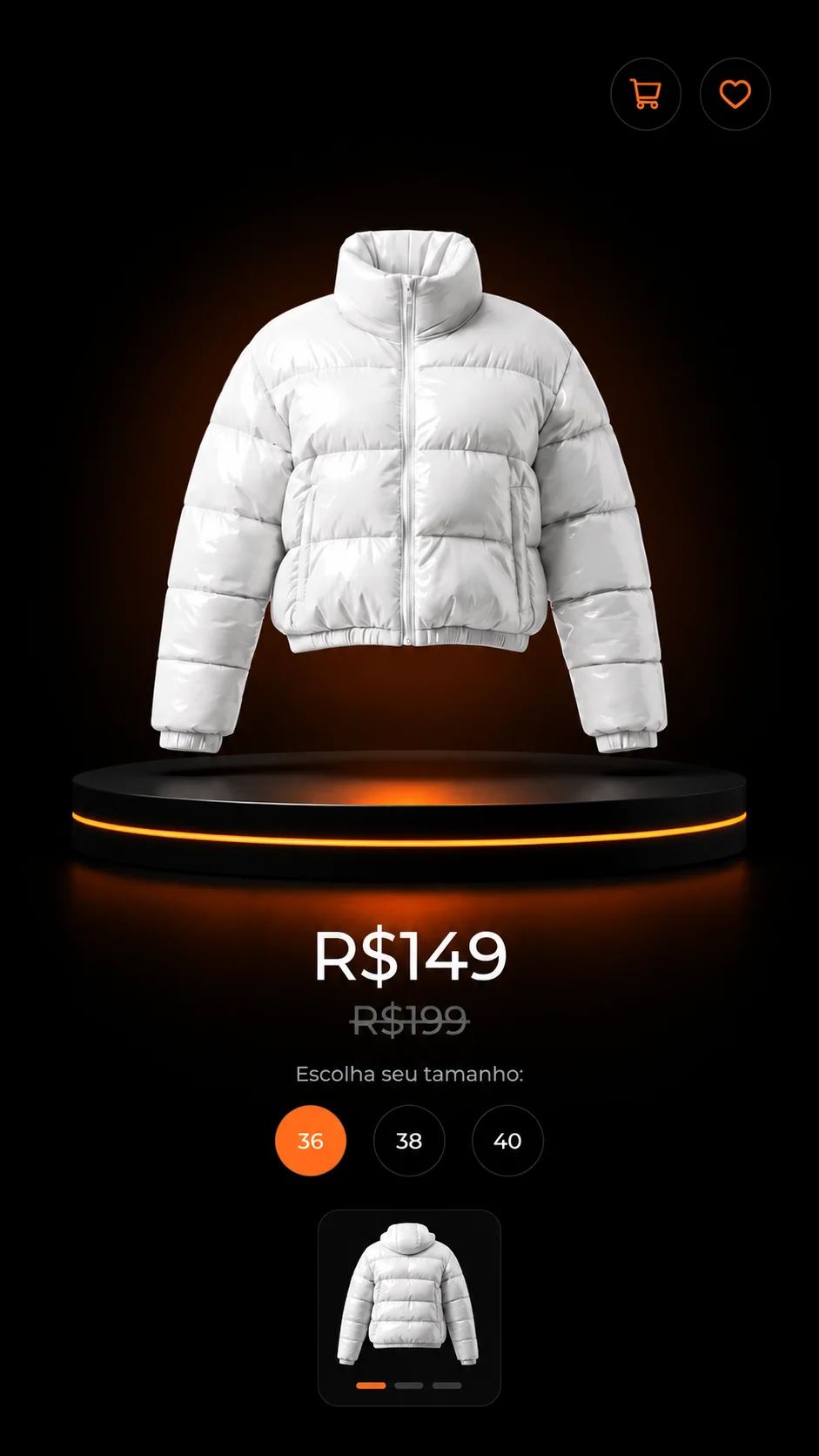
An online store isn't measured in visits: it's measured in revenue per visitor. KCLOCK builds e-commerce stores with a navigable catalog, persuasive product pages, low-friction checkout, and abandoned cart recovery running from day one, with fixed scope and deadline in the contract.
An online store isn't measured in visits: it's measured in revenue per visitor. KCLOCK builds e-commerce stores with a navigable catalog, persuasive product pages, low-friction checkout, and abandoned cart recovery running from day one, with fixed scope and deadline in the contract.
In e-commerce, an interested visitor has already done the hard part: they chose the product. Then they run into a surprise shipping cost, a long form, a field that throws an error with no explanation, and they give up. The store didn't lose traffic, it lost revenue that was already in hand.
That's why we treat an online store as a revenue system, not a storefront. Catalog, product pages, checkout, and recovery are four different levers, and each one has its own number that tells you whether it's working.
Too many steps, mandatory sign-up before it's needed, shipping revealed only at the end. Every extra step drops another slice of people who had already decided to buy.
A single photo, a description copied from the supplier, no information about size, use, or material. The doubt doesn't turn into a question: it turns into a closed tab.
Without e-commerce events configured, all you see is visits and clicks. Without revenue by channel, increasing spend is a bet and cutting it is a guess.
These eight items are standard scope. An online store with no checkout care, no cart recovery, and no revenue measured by channel isn't a sales operation: it's a catalog with a button.
Categories, filters, and search designed the way your customer thinks about the product, not the way your ERP organizes the registration.
Photos in the right standard, a description that answers questions about size, use, and material, social proof, and a clear call to action. It's the page that closes the sale.
Fewer steps, fewer fields, shipping visible early, and errors handled clearly. Every step removed from the path is revenue that stays in the store.
Pix, installment credit card, and bank slip when it makes sense, with a visible security badge right where it reduces the fear of buying.
Shipping calculation, real delivery time on the product page, and carrier integration. A shipping surprise at checkout is guaranteed abandonment.
Automatic email and WhatsApp sequence for people who got close and didn't finish, with measurement of how much revenue came back through that path.
Structured data for product, price, and availability, clean URLs, and internal links. Your store competing for search, not just for ads.
View, cart, checkout, and purchase events, with revenue by channel. You stop looking at clicks and start looking at return.
Checkout is the most expensive stretch of the store: every abandonment here is money that already went through media, catalog, and decision-making. Every point below is a step we tackle in the project, with its corresponding number under watch.
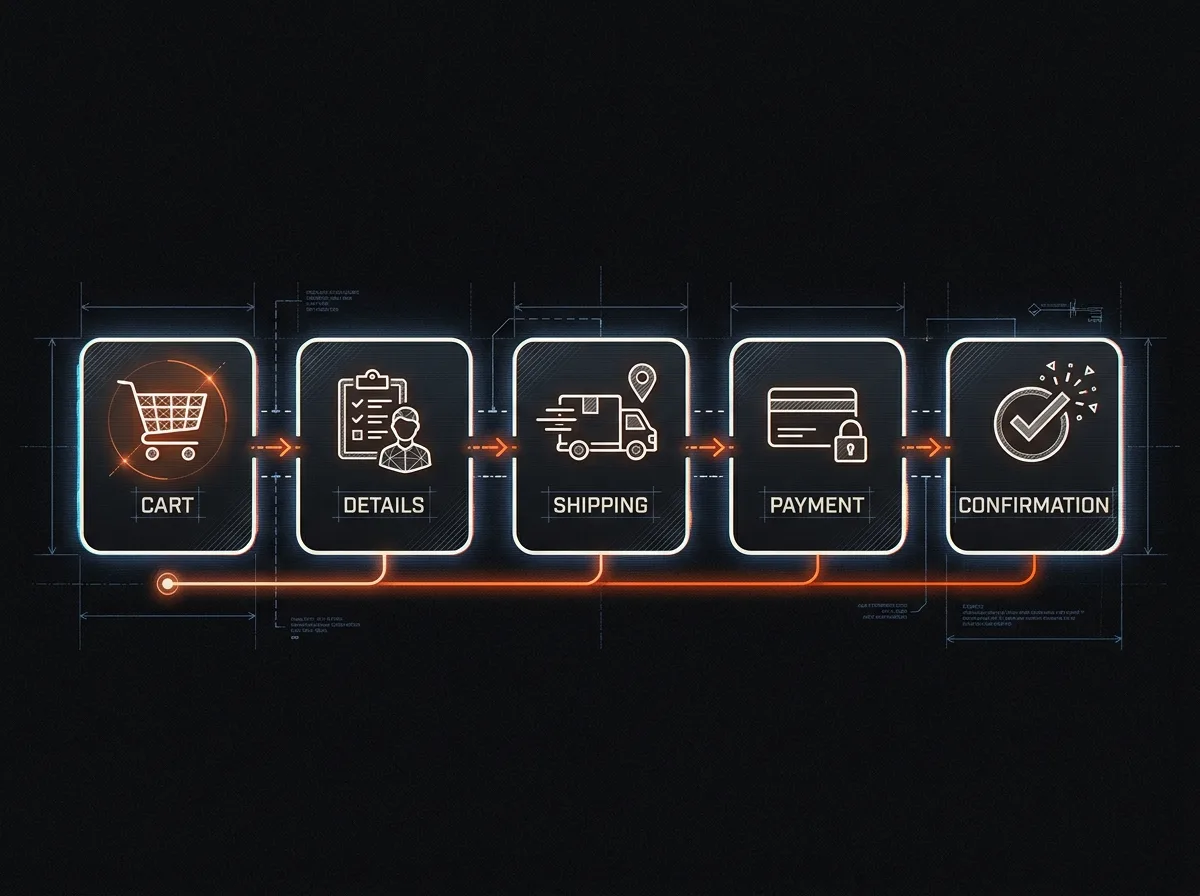
Delivery time and cost show up right on the product page. Finding out the shipping cost only at the end is the most common, and most avoidable, cause of abandonment in Brazilian e-commerce.
A clear summary, quantity editing with no full reload, and an obvious path to continue. The cart exists to confirm a decision, not to reopen doubt.
Only what's necessary to bill and ship. Address autofilled by postal code, the right keyboard on mobile, no mandatory sign-up before the purchase.
Pix and credit card with visible installment options, a security seal right at the decision point, and an error message that says what to do instead of just rejecting the payment.
Order confirmed with a timeline, next step, and contact channel. A well-handled post-purchase experience lowers support tickets and increases repeat purchases.
Anyone who abandons gets into an automatic sequence featuring the product left in the cart. It's the cheapest revenue available in the whole operation.
We configure the complete e-commerce funnel. With these events connected, you compare channel by channel how much revenue came in for every dollar of media, and find exactly where in the funnel the store loses people.
view_itemproduct viewed, with category and priceadd_to_cartreal purchase intent recordedbegin_checkoutentry into the most critical stretchadd_payment_infowhere payment gets stuckpurchaserevenue, shipping, and order itemsroas by channelreturn from every traffic source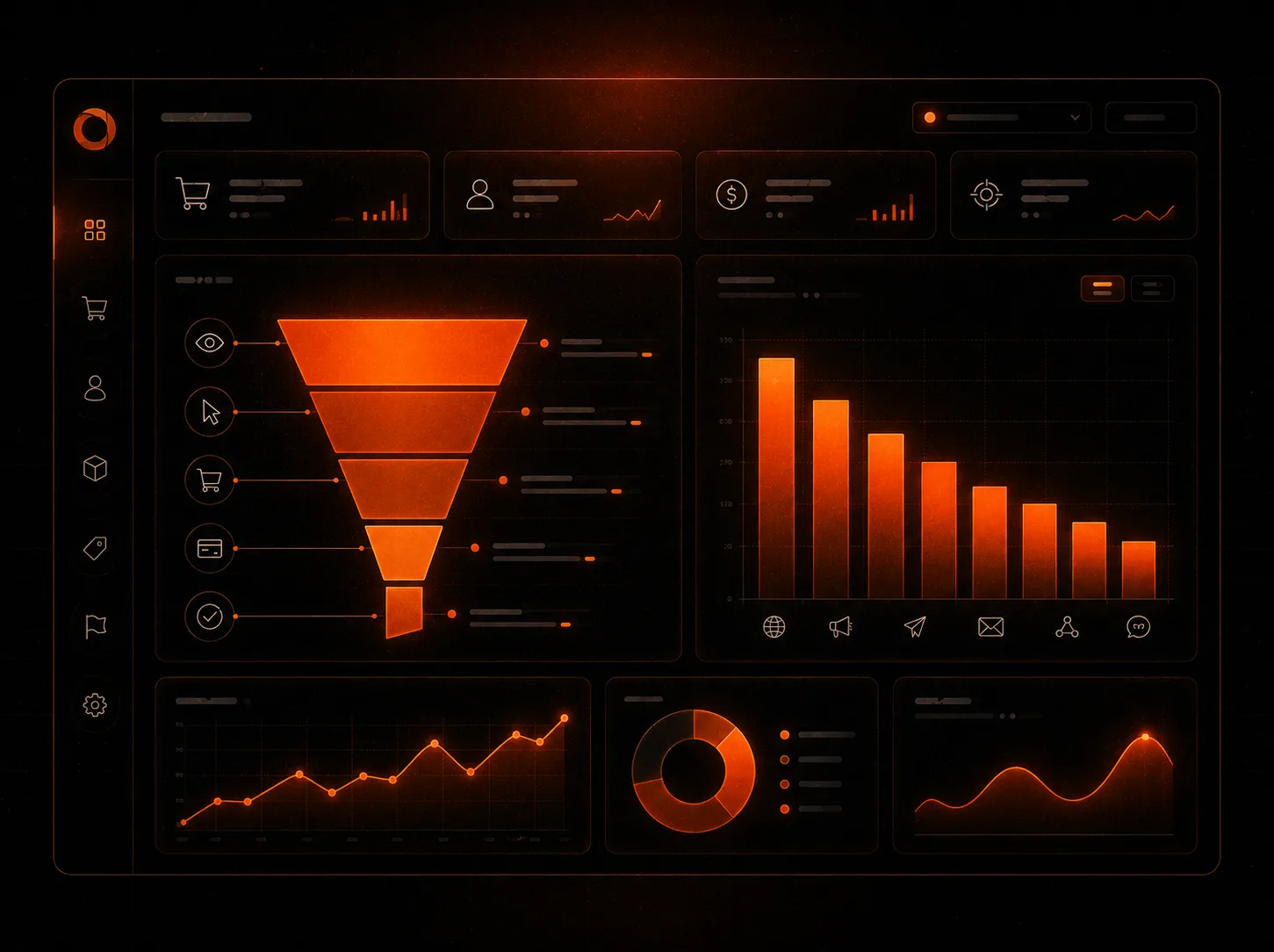
Store projects get delayed by product content, not by code. We define at the start who produces photos, measurements, and descriptions, and by when, and we work in parallel so launch doesn't end up waiting on product registration.
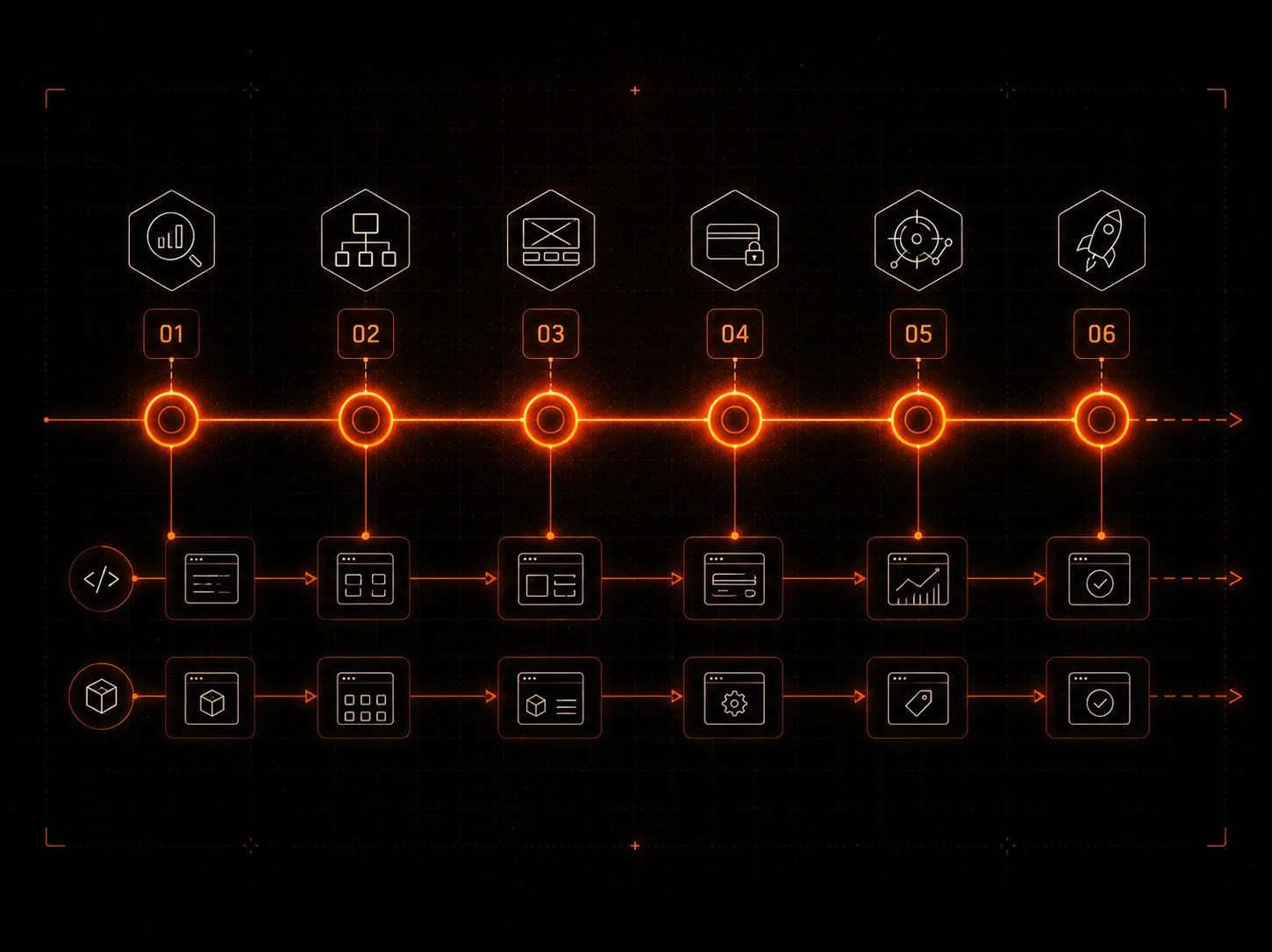
Product, margin, catalog, logistics, payment methods, and who will run the store day to day. This is also where we choose the platform based on total cost.
Categories, filters, variations, and the product page standard defined and approved before bulk registration starts.
Storefront, category, product, and checkout pages designed mobile-first and built on the chosen platform, with review in a staging environment.
Gateway, carriers, inventory, and ERP connected and tested with a real end-to-end order before opening to the public.
E-commerce funnel in GA4, Pixel with purchase events, Ads conversions, and the abandoned cart sequence active.
The store goes live, the team trained on orders, products, and promotions, with documentation and access handed over. Ready to receive media.
If you have a catalog, repeat purchases, and need your own sales channel, e-commerce is the asset. If the focus is one key product in a specific campaign, a sales landing page delivers faster and converts better because it's surgical. You can do both, and the order comes out of the diagnostic.
Didn't find your question? Ask directly during the diagnostic. It's free, and there's no ready-made proposal waiting for you.
It depends heavily on the catalog and the integrations: a store with 30 products and one payment method is one project; a store with thousands of SKUs, variations, an ERP, and multiple carriers is another. After the diagnostic, you get fixed scope, timeline, and price in the contract. Beyond the project itself, factor in the recurring costs of the platform, payment gateway, and media into your planning: we lay out that full picture before you decide.
Tell us what you sell, how many products you have, and where customers usually get stuck. We'll send back a read before any quote.
We reply within 24h. No commitment.